November 2026
From order to doorstep, in fewer steps
VTEX and Shopify connected, a control tower on the map, driver route history, stock from Excel and billing by day. News for every part of your operation.
01 · Stores
Your sales come in on their own, wherever they are
VTEX: connect it even if you don't use Deri Fulfillment
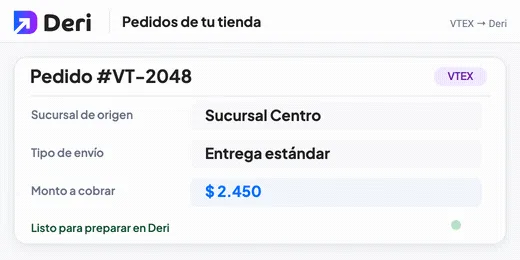
You can now connect your VTEX store to Deri even if your orders don't go through a warehouse running Deri Fulfillment, for example when you prepare them at your own location. Your VTEX dispatch points show up as branches, each order takes the shipping type you choose by default, and cash-on-delivery payments arrive with the amount to collect.
See details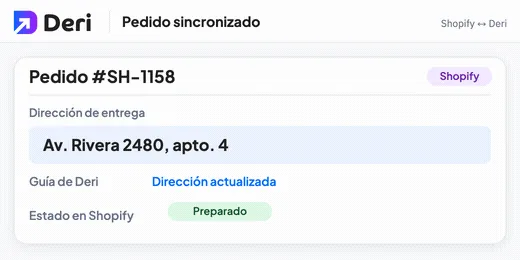
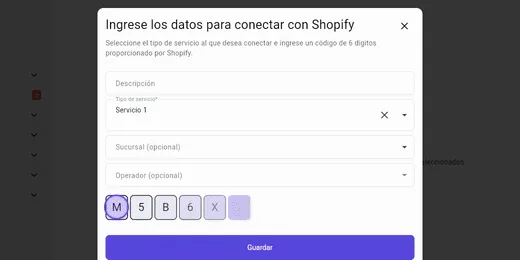
Shopify: address and dispatch, always up to date
What changes in Shopify no longer has to be copied by hand.
See details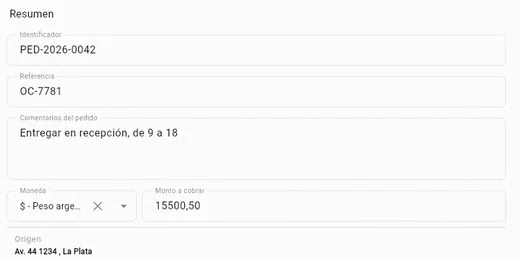
Order entry: only the data you use
The order form adapts to your store: ID, reference and amount to collect only show up if you use them. The contact phone becomes optional and you can add an email. The origin is chosen among your branches and, if you have only one, it comes already filled in.
See details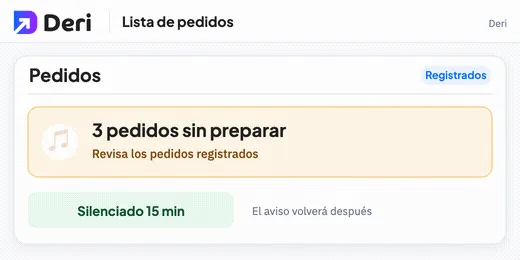
No forgotten orders
If there are registered orders that haven't been prepared, the order list alerts you with a sound every so often. You can mute it for 15 minutes.
See details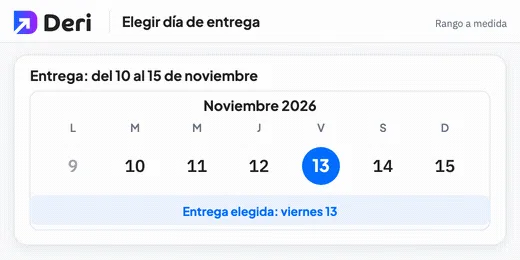
The day your customer prefers
On shipping types with a custom range, you pick the delivery day on a calendar. It only lets you choose dates within the range.
See details
02 · Operators
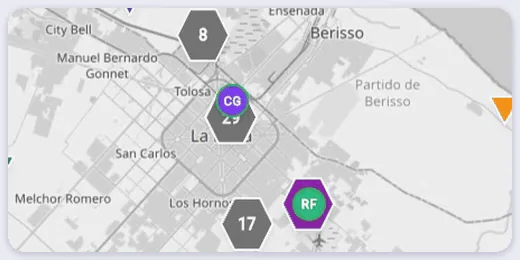
Everything happening on the street, on one map
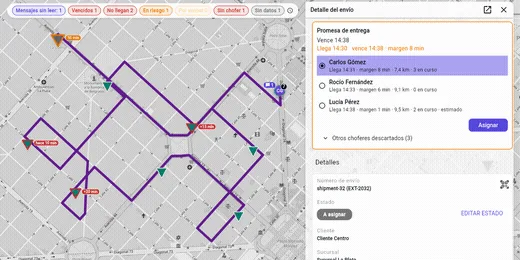
Control tower: the delivery promise, at a glance
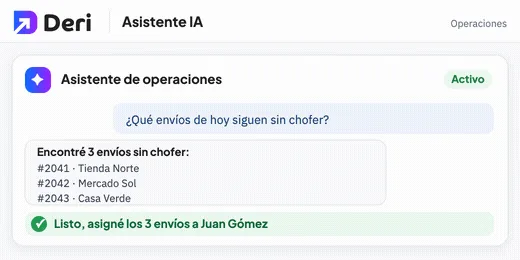
Above the map you see how many shipments are overdue, which are at risk and which have no driver. Tap an indicator and the map shows only those. For a shipment without a driver, Deri suggests the ones who can reach it best and draws the route they would take.
See details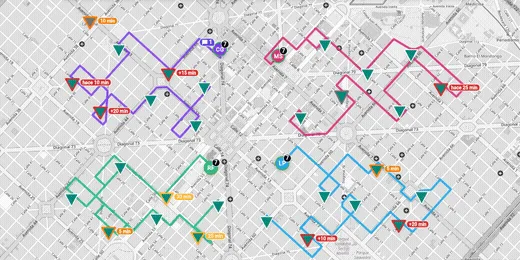
Routes on the map: see each driver's path
The routes your drivers build show up on the map, each in its driver's color. You turn them on from the filters when you need them.
See details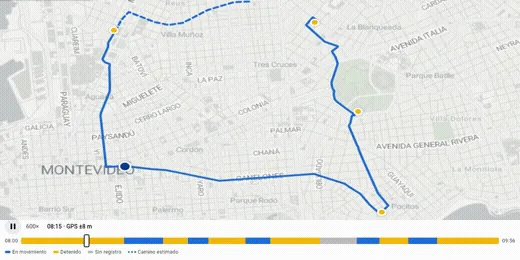
Driver history: where they went and when
From Drivers you open the route of any day: the path they took along the streets and a bar with moving and stopped moments. Tap a time to see where they were, or play it back as an animation. You can look back up to 90 days.
See details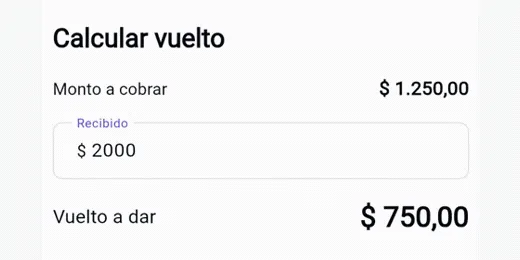
Collections without mistakes
On a cash-on-delivery shipment, the driver enters how much they were given and the app calculates the change. Before closing the delivery, it asks whether they already collected.
See details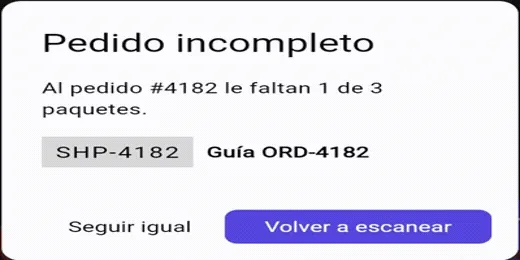
Every order, complete
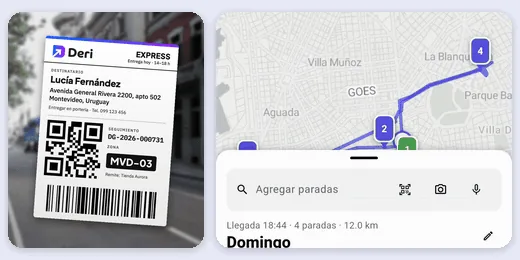
If you turn it on, the driver can't move to the next order with unscanned packages. And by scanning a package, they find which order it belongs to.
See details
03 · Warehouses
Stock, billing and picking without slowing down
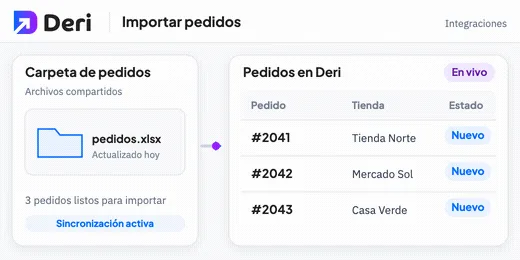
Stock import: from Excel to the warehouse
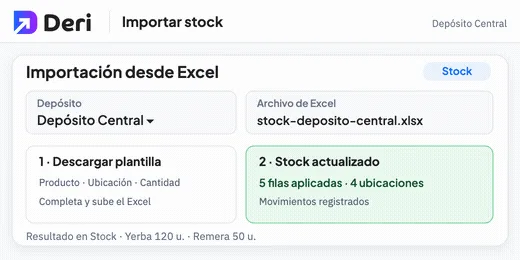
You download the template, fill it in with product, location and quantity, and upload it. By default quantities are added to what's already there; with Replace stock you set the final value. When it finishes you get an email with the summary, and each row is recorded as an adjustment in the movements.
See details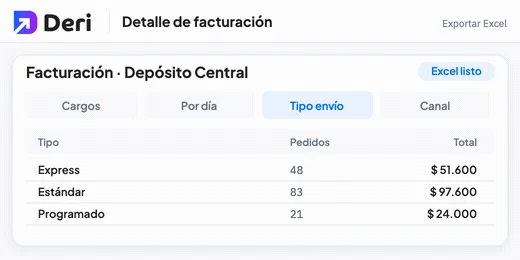
Billing: every charge, day by day
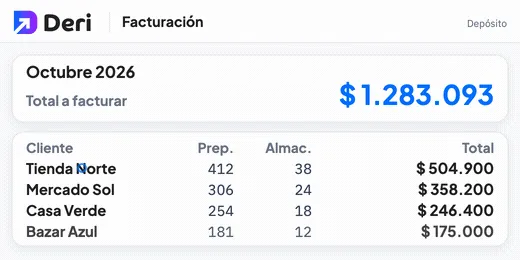
The Excel with each store's billing detail now has everything you need to review it.
See details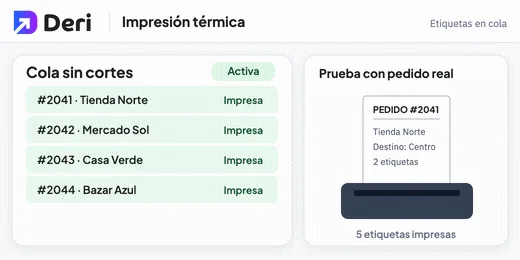
Thermal printing: labels in one go
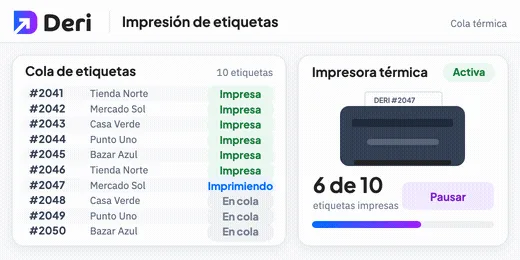
The thermal printer receives labels in a longer queue, so they come out one after another without gaps. And before starting the day you test it with labels from real orders, not with a test sheet.
See details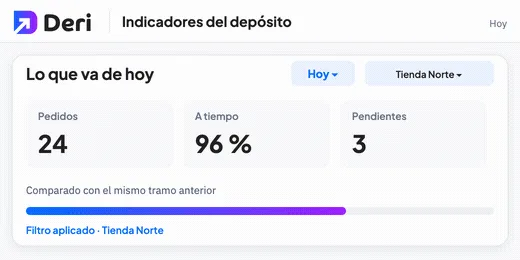
Today's indicators
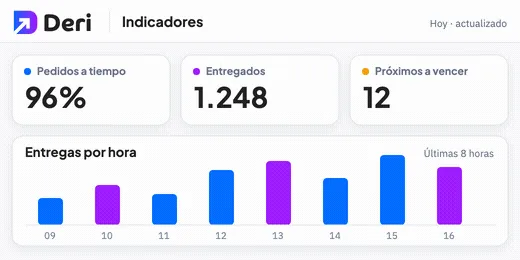
Indicators start with what has happened so far today and compare against the same earlier period. You can filter them by customer.
See details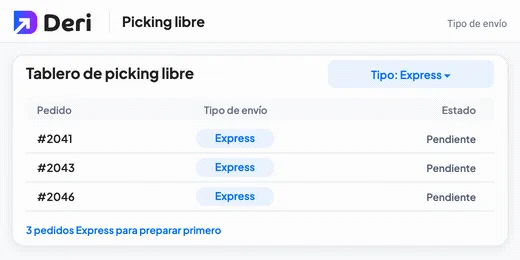
Urgent first
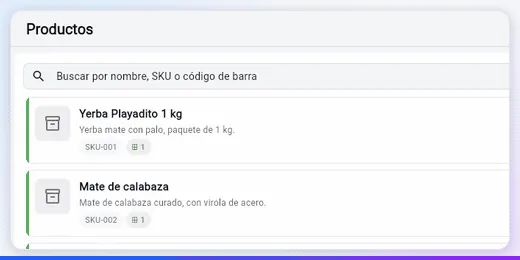
In Orders and on the free picking board you filter by shipping type. That way you prepare the most urgent ones first.
See details
And also: improvements you notice every day
- Label format. When printing from the order you choose A4 or A6.
- Clearer label. The origin branch goes on its own line, apart from the sender.
- Easy-to-recognize orders. Each waybill shows the number you know it by in your sales channel.
- Complete barcodes. Your products take the barcodes from Mercado Libre and Shopify.
- Users with several roles. You invite someone with more than one role and choose their branches when adding them.
- Accent-insensitive search. You find an order even if you type the name without accents.
- Landline phones. Branches accept landline numbers, not just mobile.
- Clearer scanning. When scanning, the driver sees the full address and the shipping type next to the recipient.
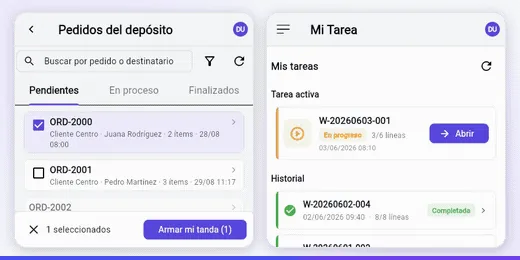
- Batches by scan. If you scan an order that is already in another batch, the app tells you clearly.
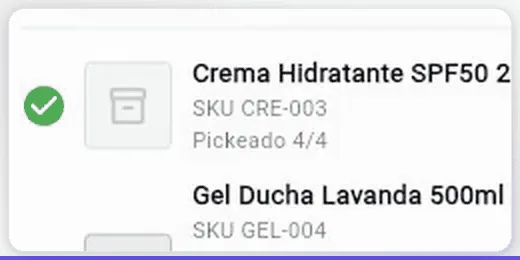
- Recommended lot. The Recommended tag appears next to the lot you should use.